

Storage Jobs
The low-level record of data loaded to and unloaded from Table Storage — how to open the Storage → Jobs view, read a job's detail, and use it to diagnose write concurrency.
Storage jobs are not to be confused with component jobs. Storage jobs represent a low level view of all data loaded to and unloaded from the Table Storage. Working with the Storage jobs is rarely necessary for end-users. We provide this view mainly to maintain complete transparency of what is happening in your project.
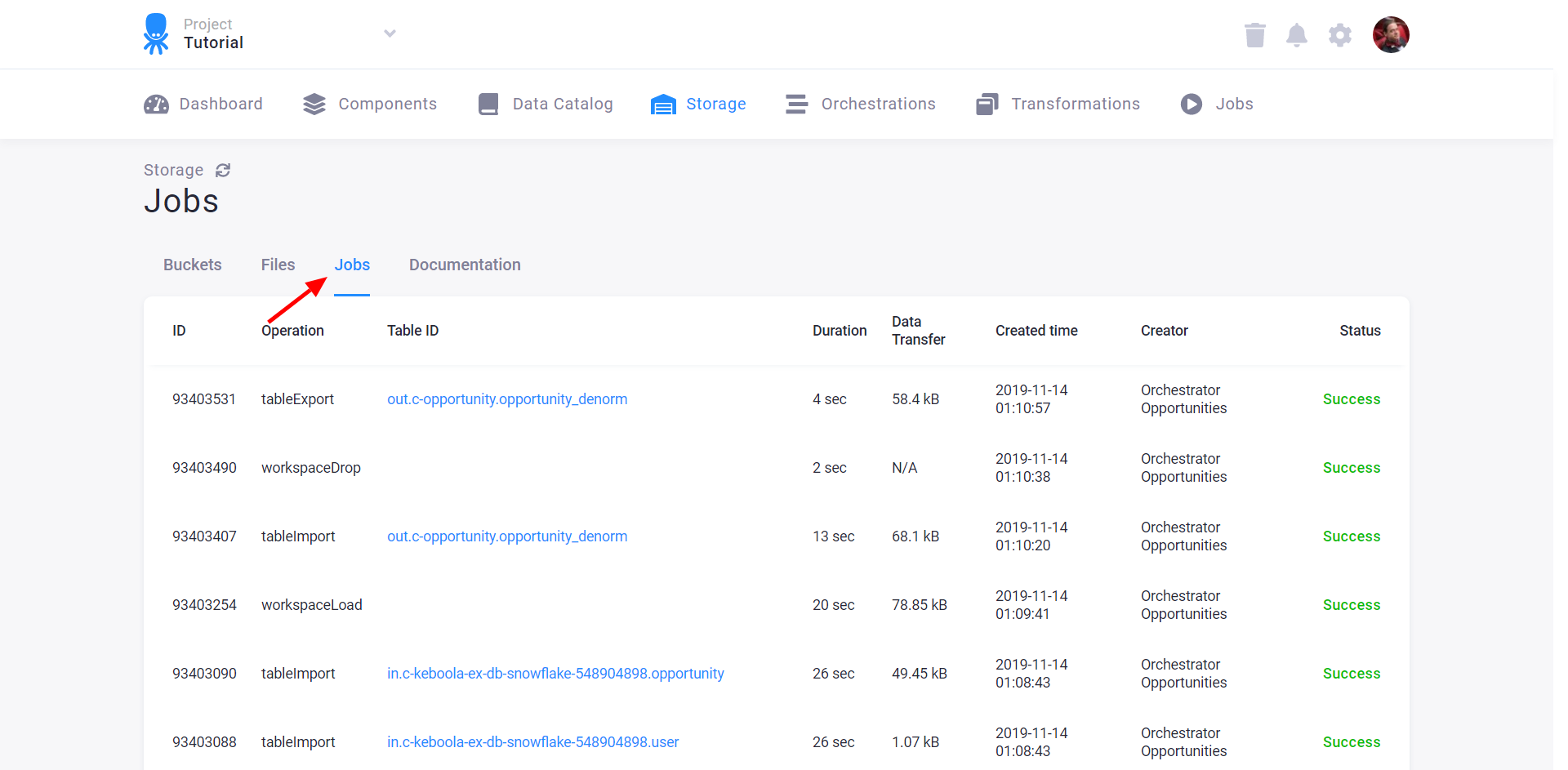
The view of Storage jobs can be useful in very busy projects, or in cases where you see a component job
being stuck on the message Waiting for X Storage jobs to finish.. There is a core limitation of Storage Tables --- only one job may
write to a table at a time. So when you see jobs taking longer than usual or waiting for Storage Jobs to finish, you might want to
check the Storage Jobs to understand what is happening. You can see how many jobs are processing if they are writing to same
tables, and then, for example, adjust flow triggers to avoid concurrency issues.
Open the Storage jobs view
Section titled “Open the Storage jobs view”Keboola records all data uploaded into your project. Go to Storage and click the Jobs tab:
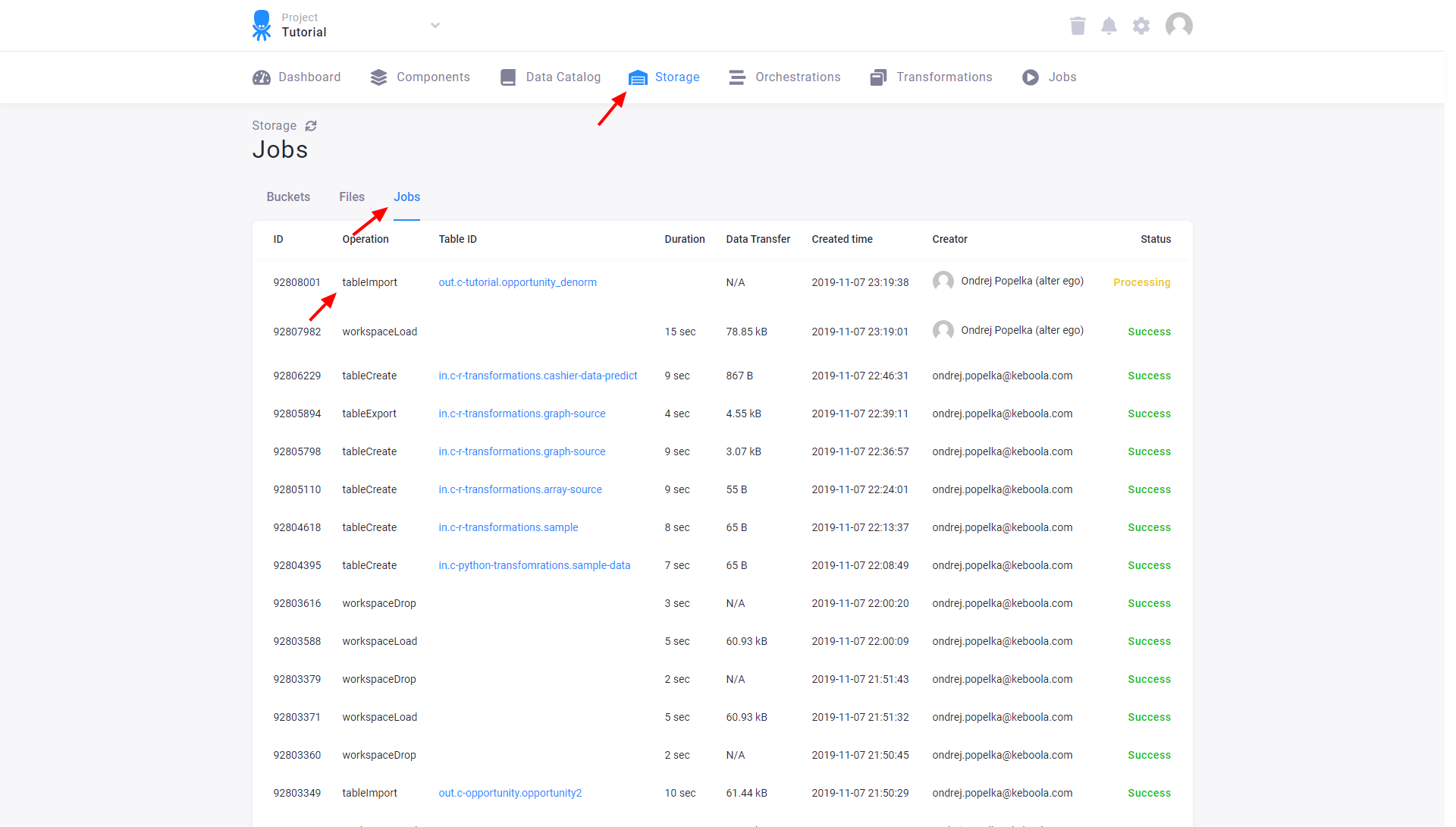
When you click an importTable job, you’ll see the Storage job detail:
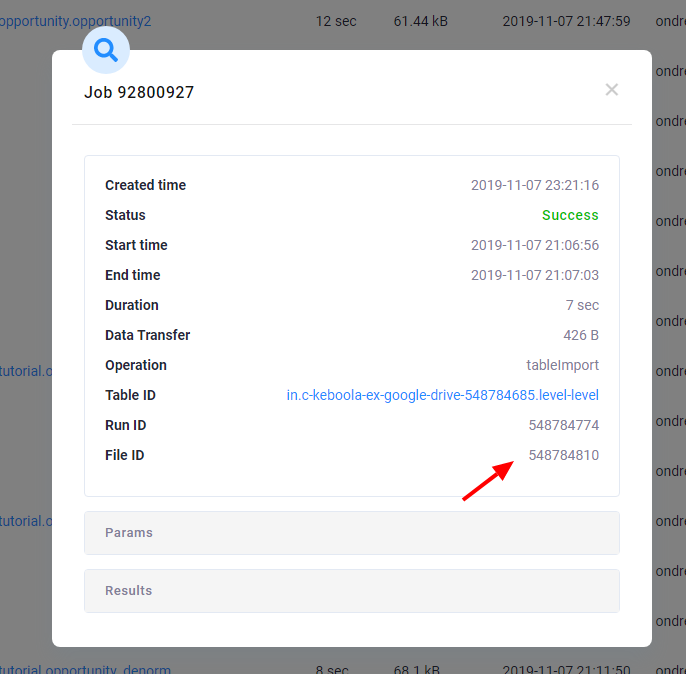
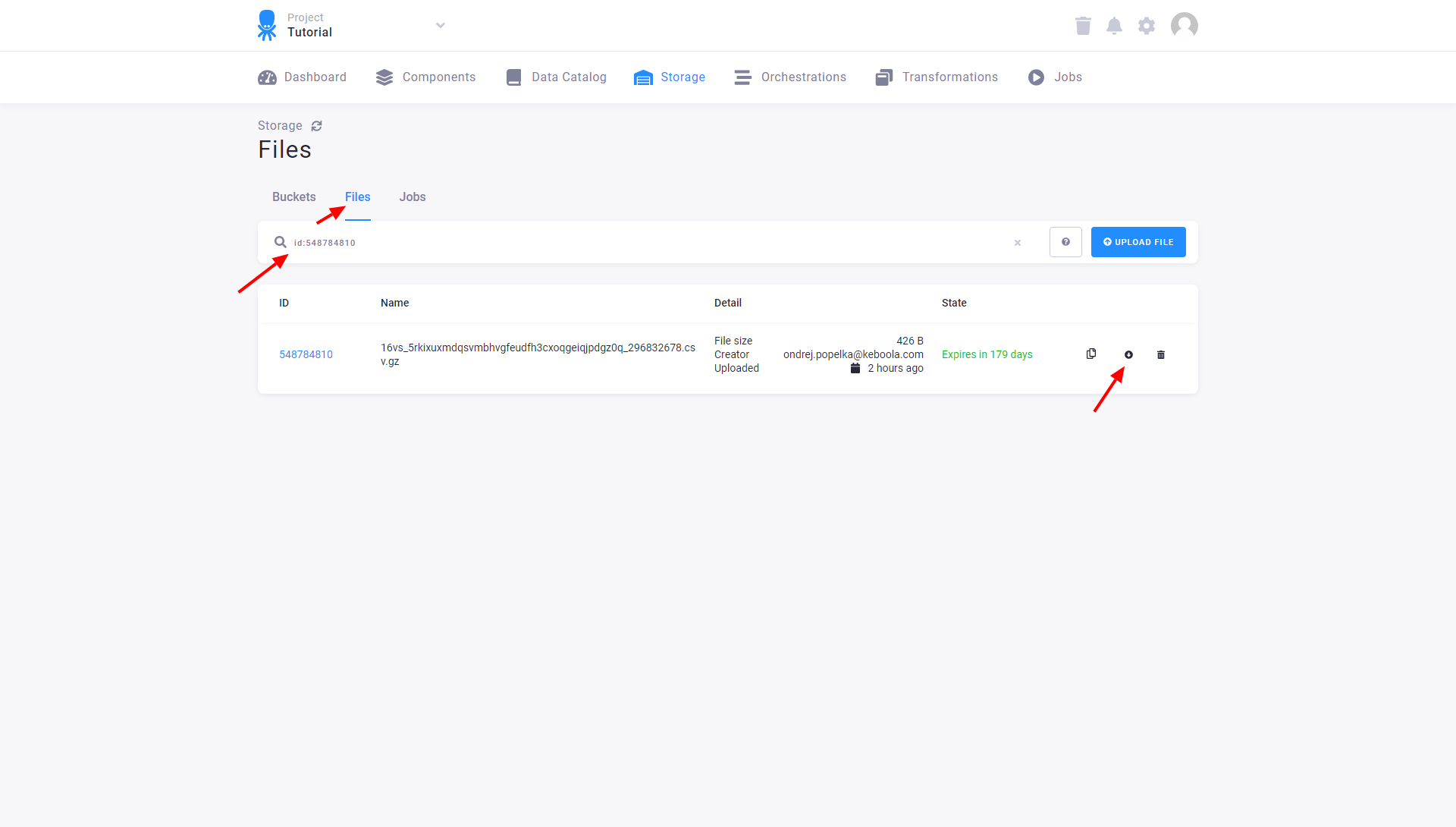
Clicking File ID will take you to the Files section in Storage, where all data pushed into your Keboola project is stored. You can download the data and import it into other tables, or you can revert to an older table version.
A comprehensive video guide on this subject is available on our YouTube channel.